Let the Code Do the Legwork
A small change in how Claude Code uses its tools is about to make AI cheaper, more private and better at its job. That reaches far beyond developers.
AI, Claude Code
I’ve spent my career selling technology to businesses, and one thing I’ve learned is that the biggest shifts rarely look big on launch day. They look like a setting. A flag in a config file.
In sales, the most expensive thing in any deal isn’t the product. It’s the back and forth. Every extra email, every “just checking in”, every meeting to prepare for the next meeting. The teams that win are usually the ones that cut out the round trips.
AI agents have had the same problem. On November 12, Anthropic shipped a fix for it in Claude Code version 2.1.323. It’s called Code Mode, it’s experimental and it’s switched off by default. Here’s what it does, what the evidence says, and why I think it will touch your life even if you never write a single line of code.
The assistant who calls you after every step
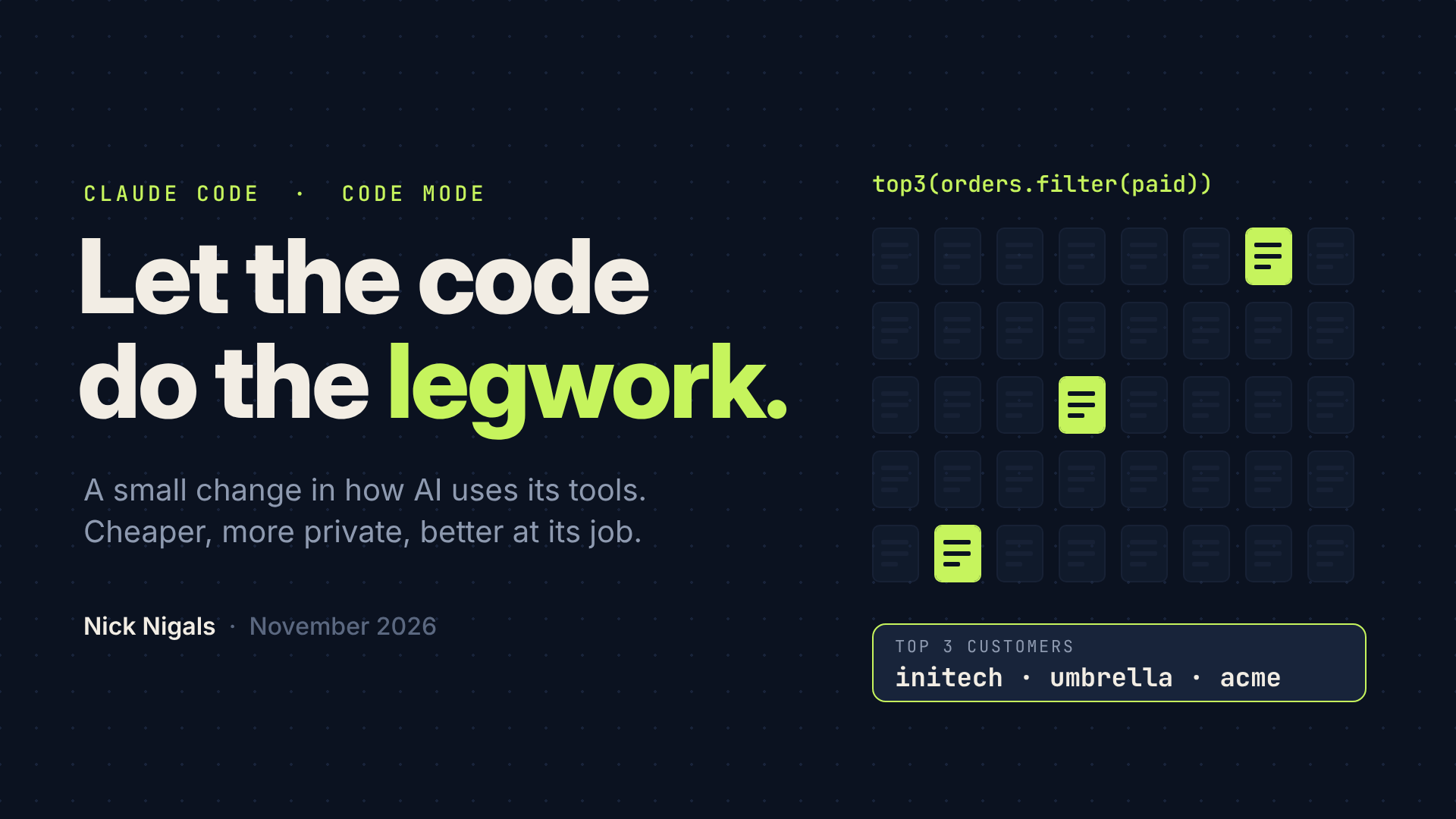
Imagine you ask an assistant a simple question: who were our three biggest customers last month? Instead of just finding out, they call you after every file they open. “I opened January 1st. Here’s everything in it. What should I do next?” Forty calls later you have your answer, and your afternoon is gone.
A better assistant writes a quick spreadsheet formula, runs it across all forty files and comes back with three names.
Until now, AI agents have mostly worked like the first one. The model asks for a tool, waits, receives the entire result into its working memory (the context window), thinks, and asks for the next tool. Cloudflare’s engineers put the waste plainly: every result has to pass back through the model just so it can be copied into the next call, which burns time, energy and tokens.
Two things get expensive along the way:
- The manuals. Every tool comes with a detailed description, and it rides along with every single request, needed or not.
- The clutter. Every result piles up in the model’s memory, even when only three lines out of forty files actually matter.
More clutter means a bigger bill, a slower agent and a model that has to dig through noise to find the signal. Code Mode turns Claude into the second assistant.
What actually changed
With Code Mode on, Claude stops calling its tools one by one. Instead of a long list of tools, it gets two:
- REPL runs the JavaScript that Claude writes. The familiar tools (Bash, Read, Edit) live inside it as ordinary functions, described in a much shorter form.
- Poll collects results from work that keeps running in the background.
So instead of forty phone calls, Claude writes one plan and runs it: search the files, filter what matters, make the edits, run the tests. Independent jobs can run at the same time, and one result can feed straight into the next step without ever passing through the model. Only what the script returns goes back to Claude.
“Couldn’t Claude already write scripts?” Yes, through Bash. The difference is that in Code Mode the tools themselves are callable from the script, and every call still passes through Claude Code’s permission system.
Two details reassured me:
- Your guardrails still apply. Each tool call a script makes still goes through your deny and ask rules and your hooks.
- A cloned project can’t switch it on for you. Claude Code ignores the setting in a project’s settings files. You have to choose it yourself.
One difference from Cloudflare’s version is worth knowing. Cloudflare runs the generated code in its own cloud sandbox. Claude Code runs it locally, in your terminal, right next to your files. Same philosophy, different address.
Why code beats a chain of tool calls
The idea isn’t new, and that’s exactly why I take it seriously. Three independent lines of work point the same way.
Models are fluent in code. In September 2025, Kenton Varda and Sunil Pai at Cloudflare argued that we’ve all been using MCP wrong. Language models have read enormous amounts of real code during training, and far fewer examples of the artificial formats used for tool calls. Ask a model to write a short program and you’re working with its strengths.
The savings can be enormous. In November 2025, Anthropic’s engineering team showed in Code execution with MCP how one workflow fell from about 150,000 tokens to about 2,000, a 98.7% cut, by letting the agent load only the tool definitions it actually needed. In February 2026, Cloudflare’s Matt Carey described a server that exposes more than 2,500 API endpoints through just two tools, search and execute, in roughly 1,000 tokens instead of the 1.17 million a traditional setup would need.
Less noise means better reasoning. Chroma’s 2025 research on context rot tested 18 leading models and found that performance grows increasingly unreliable as input gets longer, even on simple tasks. An agent that keeps its working memory clean isn’t just cheaper. It’s sharper.
Those headline numbers come from huge APIs, so don’t expect 98% in everyday work. But they show the direction, and Code Mode brings the same principle into a tool developers use every day.
What the first real test shows
The cleanest public test I’ve found comes from wmedia.es. Same model, same task (find the three biggest customers across 40 daily order files), two sessions identical except for Code Mode. Both runs gave the same correct answer.
- Requests to the model: 4 without, 4 with
- Tool descriptions in context: 24.6k tokens without, 11.1k with
- Total input tokens: 150,364 without, 94,659 with
- Wall time: 15 seconds without, 37 with
That’s about 37% fewer input tokens for the same answer. Interestingly, the saving didn’t come from fewer turns. Both runs made four requests. It came from a much smaller fixed load of tool descriptions riding along with every request.
Other early testers point the same way. One developer reported about 40% fewer tokens on short tasks and 55% on a 30 file refactor across eight runs, as summarized by i10x.
Two honest notes. These are small samples, and the wmedia.es author says clearly that one run per setting isn’t a benchmark. And Code Mode was more than twice as slow. Today, the win is tokens, not speed.
Why this matters if you never open a terminal
Code Mode lives in a developer tool today. But the pattern behind it, letting AI write a small program instead of making endless single calls, is spreading across the whole agent industry. When the engine gets more efficient, everyone in the car feels it.
1. Cheaper AI means AI for more people
Tokens are the raw material every AI product pays for. When a task needs a third fewer of them, the math changes for whoever is paying. A tool that a two person company in Norrland, a student in Nairobi or a local nonprofit couldn’t justify last year starts to make sense. I’ve sat on both sides of enough budget discussions to know that a 30% cost difference is often what separates “maybe next year” from “let’s sign”.
2. Your data travels with less exposure
This one surprised me the most. Anthropic’s research describes how intermediate data can stay inside the execution environment, so the model only sees what the code explicitly returns. In one example, names, emails and phone numbers are swapped for placeholders like [EMAIL_1] before the model sees them, then restored when the data reaches its destination. The data moves between systems without passing through the model.
In practice: you ask an agent for the five overdue invoices in your accounting export. The old way, the model reads every row. The new way, a script reads the rows and hands the model five lines. It’s not a privacy guarantee, since whatever the script returns still reaches the model. But the default shifts from “read everything” to “read what’s needed”.
3. Less energy for the same work
AI runs on electricity, and a lot of it. The IEA reports that data centre electricity demand rose 17% in 2025 and is set to double by 2030, with AI focused data centres tripling. The agency also notes that energy per AI task is falling at a pace never seen before in energy history, but more people are using AI, and energy intensive uses such as agents are on the rise.
Agents are exactly what Code Mode targets. Every token a model doesn’t have to process is computing power that never gets spent. One developer saving a third of their tokens doesn’t move the needle. Millions of agents running leaner every day does.
4. Better answers, fewer mistakes
Code counts and copies data exactly. Language models don’t always. Combine that with a cleaner context and you get agents that are better at long, messy jobs: reconciling a month of transactions, reviewing a stack of contracts, cleaning up a CRM.
5. Admin that finally gets done
In my world, B2B sales, the dream has always been an assistant that actually does the admin. Pull 200 leads, remove the ones already in active deals, update the CRM, draft the follow ups. One call at a time, that’s slow and costly. As one script, it becomes practical. The same goes for a nurse’s shift reports, a teacher’s grade sheets or a shop owner’s stock list. You never need to read the JavaScript. The AI writes it quietly in the background.
Where this could lead: memory outside the model
Here’s where I think the bigger story is hiding. Once an AI works inside a coding environment, its memory no longer has to live entirely inside the model.
MIT researchers Alex Zhang, Tim Kraska and Omar Khattab explore exactly this in Recursive Language Models. Instead of stuffing a huge document into the model, they store it as a variable in a coding environment, a REPL much like the one Claude Code now has. The model never reads the whole thing. It checks how long it is, slices it into pieces, sends smaller helper calls to read each piece, keeps the findings in variables and puts the answer together at the end.
The authors report handling inputs up to two orders of magnitude beyond the model’s context window, roughly 100 times more, while outperforming approaches such as summarizing the context, and even Claude Code itself, at comparable cost. They also post trained a small 8 billion parameter model this way that came close to GPT 5 on three long context tasks.
Think of a good researcher in a large archive. She doesn’t read every box. She knows how to search, sample and delegate, and she keeps notes.
Now put that in real life. A doctor asking about a patient’s entire twenty year history, not just the last visit. A lawyer searching every page of a case file. A small company asking questions across every contract it has ever signed. And models small enough to run on a laptop doing work that used to need the biggest systems in the cloud. Code Mode gives Claude Code the kind of environment this research relies on. Whether Anthropic takes that step is still an open question, but the pieces are now in place.
The fine print
I’d rather you hear the limits from me than discover them yourself.
- It’s experimental. Anthropic says it may change or be removed in any release.
- It can be slower. In the test above, 37 seconds instead of 15.
- It only runs in some setups. The interactive terminal, with a Claude subscription or Console account. Not print mode, the Agent SDK, the VS Code panel, the Desktop app, cloud sessions, Bedrock, Google Cloud or other gateways. Remote Control, Claude in Chrome and computer use are off while it’s on.
- Security needs a second thought. In auto mode, the safety check reviews each script once before it runs, not each call inside it, and it can’t see values the script only discovers while running. Keep explicit rules or hooks for anything you must control. Anthropic’s own research also stresses that running AI written code calls for sandboxing, resource limits and monitoring.
- Debugging looks different. Edits and command output still show in the chat, but the script itself sits in the transcript view (Ctrl+O).
- Small jobs gain little. The payoff comes with many files, heavy filtering and work that can run in parallel.
Try it
- Update Claude Code to version 2.1.323 or later.
- Start a session with Code Mode on:
CLAUDE_CODE_EXPERIMENTAL_CODE_MODE=1 claude - The first time, a notice appears. It defaults to “No, start without it”, so move down to Yes, turn on Code Mode and press Enter.
- Check that
/statussays Code Mode is on. - Run your normal tasks and compare token use with
/cost, with and without it.
Your own numbers on your own work will tell you more than any article, including this one.
My take
The headline is tokens. The real story is access.
For years the AI conversation has been about size: bigger models, bigger context windows, bigger data centres. Code Mode is a reminder that how a model works matters as much as how big it is.
Let the model do what it’s good at, which is writing code. Let the code do what it’s good at, which is the repetitive, exact, boring parts. The result is cheaper, more private, lighter on energy and more reliable, all at once.
Most people will never type that command. But they’ll feel it in what AI tools cost, in how much of their data those tools actually see, and in how much a small team can suddenly get done. That’s why a quiet setting in a developer tool deserves attention.
If you try it on a real task, I’d love to hear what numbers you get.
Sources
- Anthropic, Run tool calls from code with Code Mode, Claude Code docs
- Anthropic, Code execution with MCP: Building more efficient agents, November 4, 2025
- Kenton Varda and Sunil Pai, Code Mode: the better way to use MCP, Cloudflare, September 26, 2025
- Matt Carey, Code Mode: give agents an entire API in 1,000 tokens, Cloudflare, February 20, 2026
- Kelly Hong, Anton Troynikov and Jeff Huber, Context Rot: How Increasing Input Tokens Impacts LLM Performance, Chroma, July 14, 2025
- Alex L. Zhang, Tim Kraska and Omar Khattab, Recursive Language Models, arXiv:2512.24601
- wmedia.es, Code Mode in Claude Code: turn it on and every request costs fewer tokens, tested November 13, 2026
- i10x, Claude Code’s Experimental Code Mode Batches Tool Calls in JavaScript, November 15, 2026
- IEA, Data centre electricity use surged in 2025
All animations in this article were made for it.
Also published on LinkedIn.